
Airbnb Photography Guide: Plan a Listing Photo Shoot
Airbnb photography should help a guest understand the property before arrival. Attractive images matter, but a useful gallery also explains room size, sleeping arrangements, amenities, views, privacy, and the relationship between spaces. The goal is not to make a room appear larger or different. It is to present the real stay clearly and at its best.
This guide covers planning, staging, shooting, selecting, and uploading a complete vacation rental photo set. It can be used for a phone-based refresh, a professional shoot, or a final review before a new listing launches.
Prepare the Property Before the Camera Arrives
Photography reveals details that are easy to ignore during setup. Finish repairs, installation, cleaning, and styling before the shoot. A photographer can adjust exposure and color, but should not be expected to hide unfinished work or reconstruct the room in editing.
- Remove cleaning supplies, cords, remotes, packaging, price tags, and personal documents.
- Make every bed with the exact bedding guests will receive, then smooth wrinkles and align pillows.
- Clean mirrors, windows, appliances, faucets, shower glass, and other reflective surfaces.
- Open usable curtains and blinds consistently. Replace failed bulbs and match visible bulb color where practical.
- Set dining chairs, bar stools, outdoor seating, and movable furniture in realistic positions.
- Photograph safety equipment and accessibility features accurately when they are important to guest decisions.
- Keep seasonal or consumable styling restrained. Do not imply that flowers, food, alcohol, or holiday decor are included unless they are.
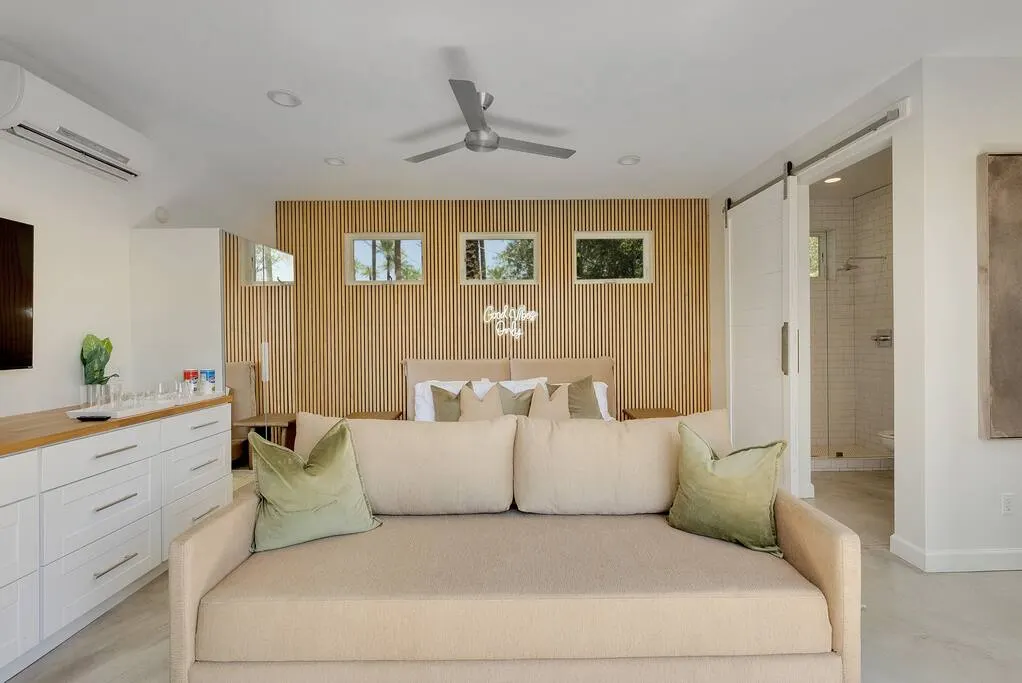
Build a Complete Airbnb Photography Shot List
Create the shot list from the guest journey rather than walking through the property at random. Start outside, follow the arrival route, cover every guest-accessible room, and finish with amenities, views, parking, and any details that help explain the stay.
Exterior and arrival
- Street or approach view when it helps guests identify the property.
- Entrance, stairs, elevator, hallway, driveway, garage, or designated parking.
- Exterior context that is visible from the property, without showing private neighboring areas unnecessarily.
Shared living spaces
- One establishing view for each living, dining, kitchen, game, or media space.
- Secondary angles only when they reveal information the main view cannot show.
- Functional details such as dining capacity, work surfaces, appliances, fireplace access, or entertainment equipment.
Bedrooms and bathrooms
- Every advertised bed, including bunk arrangements, sofa beds, trundles, and sleeping lofts.
- Bedside lighting, charging access, storage, window coverage, and the path around the bed.
- Each bathroom, plus shower or tub configuration and any accessibility feature guests need to evaluate.
Outdoor areas and special amenities
- Patios, balconies, pools, hot tubs, grills, fire pits, play areas, and views.
- One wide image showing the whole amenity and closer images only for controls or features that need explanation.
- Disclose shared spaces, seasonal availability, access restrictions, and safety limitations in the listing copy and captions.
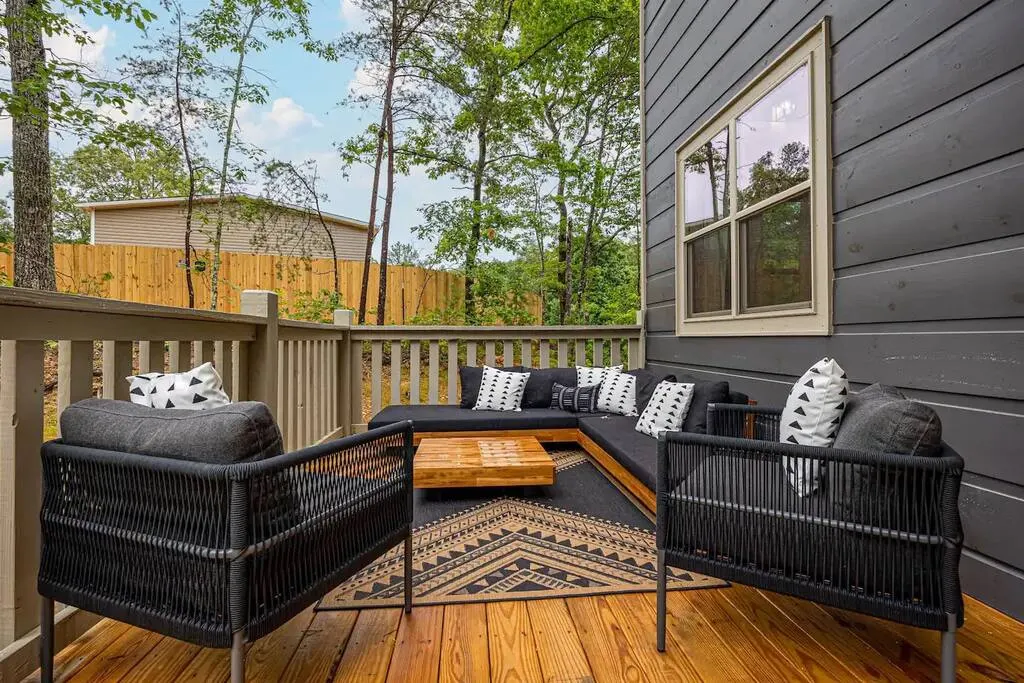
Choose the Cover Photo and Opening Gallery
The cover image and listing title are prominent in search, so the cover should communicate the property’s strongest real feature at a glance. That may be a distinctive living room, a view, a pool, a game room, or a well-designed exterior. Choose the image that best represents why the right guest would select this stay, not simply the widest room.
The next several images should quickly answer the biggest booking questions. There is no universal sequence for every property, but the opening set should usually establish the main living space, primary bedroom, kitchen or dining area, and the leading amenity or setting. Avoid five near-duplicate angles of the same room.
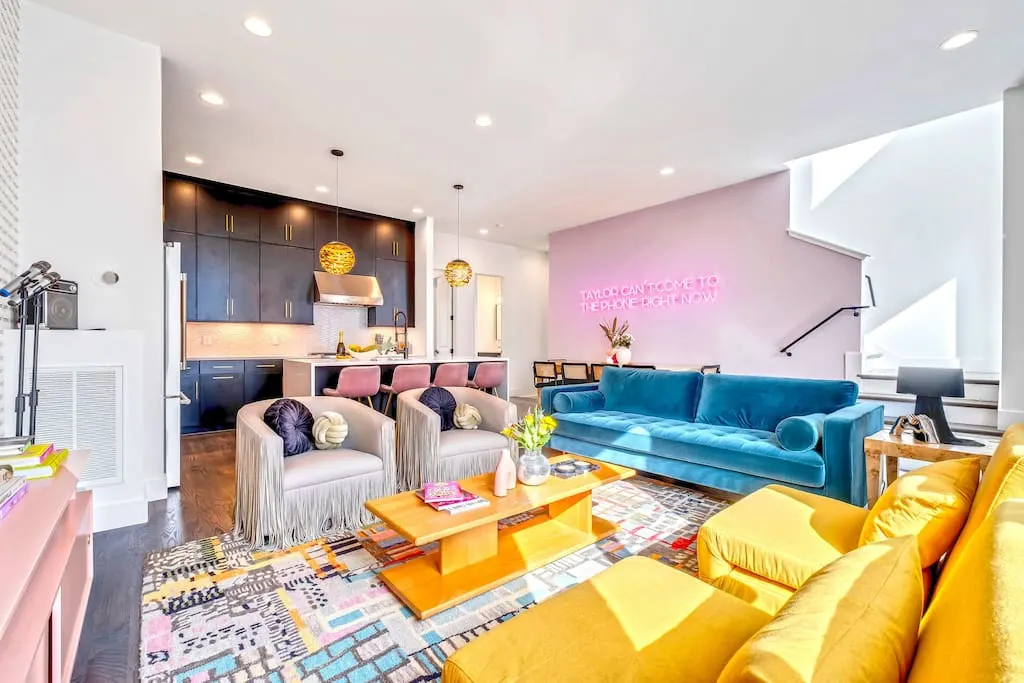
Cover-photo checks
- The subject remains understandable when the platform crops the image.
- Furniture and walls are level, with no extreme wide-angle stretching at the edges.
- The room is bright enough to read while windows and lamps retain useful detail.
- The image reflects the property guests will receive throughout the applicable season.
- The cover does not depend on text overlays, borders, collages, or unavailable amenities.
Control Light, Camera Height, and Composition
Schedule each room for the time of day when its natural light is useful. Open window coverings, turn on installed lights when they improve the scene, and avoid mixing many different bulb colors. Do not point the camera directly into a bright window unless the view is the subject and the exposure can retain both interior and exterior detail.
Keep the camera level to prevent walls from leaning. A position around chest height often feels natural, but counters, low furniture, bunk beds, and views may require adjustment. Use a wide lens carefully. The frame should explain the room without stretching beds, tables, or doorways into misleading proportions.
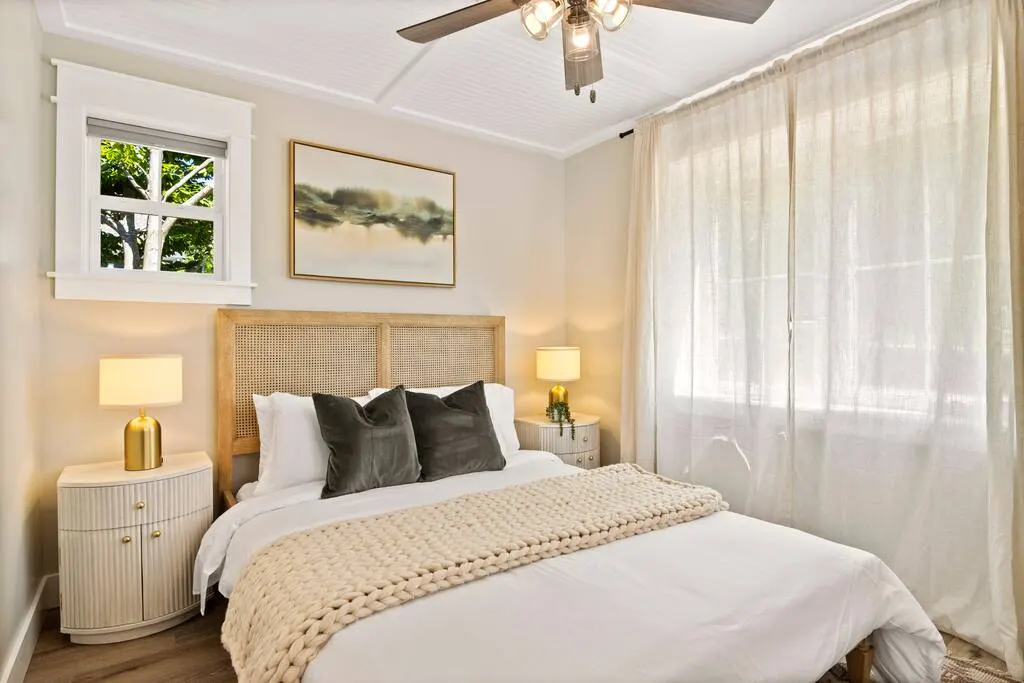
Use a repeatable capture process
- Take the establishing view first and confirm that the room’s function is immediately clear.
- Check every edge of the frame for partial furniture, cords, reflections, open cabinets, or distracting objects.
- Capture a second angle only when it adds layout, amenity, or view information.
- Review sharpness and exposure at full size before leaving the room.
- Record the room name and intended sequence so delivery files are easy to organize.
Photograph Each Room Honestly
A complete gallery reduces uncertainty by showing what is included and how spaces connect. It should not avoid a compact room, difficult stair, low ceiling, shared entrance, or limited view that affects the stay. Show those conditions clearly, then use accurate captions and listing details to set expectations.
For kitchens, photograph the layout before close-ups of appliances or coffee supplies. For bedrooms, show the full bed and access around it. For bathrooms, keep mirrors and fixtures square and make the shower or tub visible. For workspaces, show the chair, surface, outlet access, and surrounding room instead of staging a laptop that is not included.
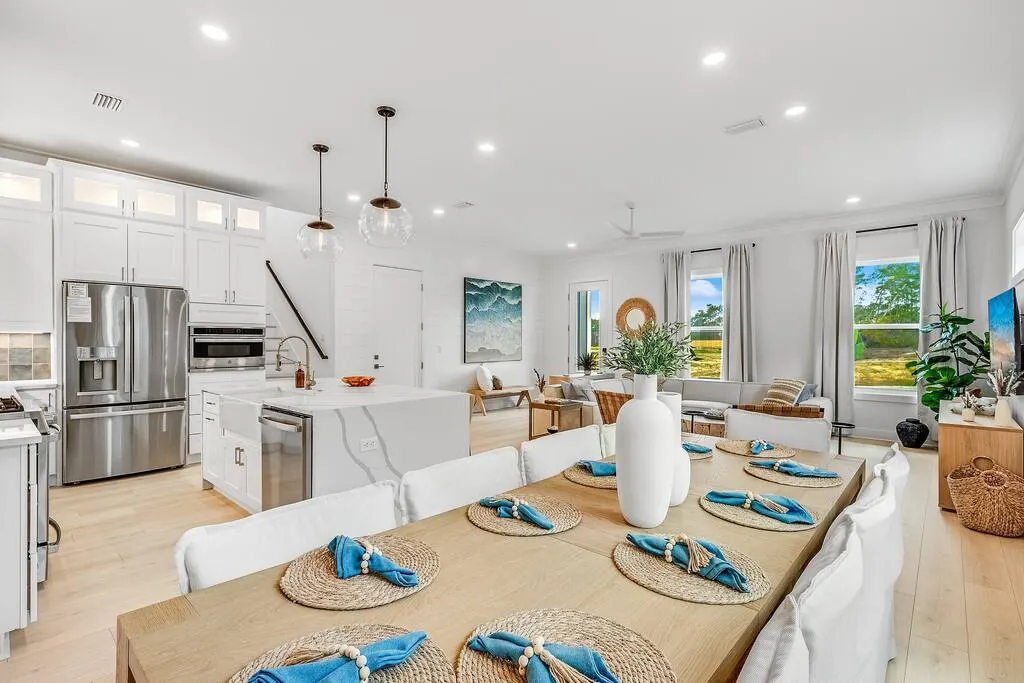
Edit, Caption, and Upload the Final Gallery
Edit for consistency, not transformation. Correct exposure, white balance, perspective, and minor distractions while preserving the room’s real colors, proportions, windows, views, and permanent features. Avoid heavy filters, artificial skies, copied fire effects, digitally added furniture, or edits that conceal damage and access limitations.
Airbnb’s current guidance recommends horizontal images and files of at least 1200 by 800 pixels when possible. Its listing photography guidance also explains that captions should add useful information the image does not communicate by itself. Export a high-resolution master set, retain the originals, and upload files in a consistent color space.
Write captions that answer guest questions
- Name the room or area.
- State bed size, dining capacity, or whether an amenity is private or shared.
- Explain where the room sits in the layout when that relationship is not obvious.
- Identify accessibility details, stairs, seasonal availability, or operational limits.
- Avoid repeating vague claims such as “beautiful” or “luxurious” when a concrete detail is more useful.
Use Airbnb’s photo tour or room organization tools when available so guests can understand the layout. Review the final order on both a phone and desktop screen. Airbnb notes that listing images can be cropped in different placements, so keep the important subject away from fragile edges and confirm that the cover still works in search.
DIY Photography or a Professional Shoot?
A careful host can document a straightforward property with a recent phone or camera, a tripod, good daylight, and disciplined editing. Professional help becomes more valuable when the property has difficult window exposure, large rooms, dramatic views, reflective materials, twilight exteriors, or a launch schedule that leaves little room for reshoots.
When hiring, review complete galleries rather than a few hero images. Confirm the shot list, image count, turnaround, twilight or drone scope, usage rights, editing boundaries, travel fees, and reshoot terms. Provide accurate room names and a clean, fully installed property before arrival.
Final Airbnb Photography Review
- Every guest-accessible room and advertised sleeping surface appears.
- The cover and opening gallery communicate the property’s strongest features without repetition.
- Images are sharp, level, consistently edited, and large enough for the platform.
- Views, room proportions, seasonal features, and amenities are represented honestly.
- Captions clarify capacity, layout, privacy, access, and restrictions.
- The sequence works on mobile and desktop, and outdated images have been removed.
- A dated master archive is retained for future seasonal or renovation updates.
A strong gallery is both persuasive and operational. It attracts the guests who fit the property, gives them enough information to book confidently, and creates a visual record the host can keep current as furnishings, amenities, and surroundings change.