
Airbnb Vacancy: Diagnose Open Calendar Dates
Airbnb vacancy means bookable nights remain open on the calendar. A useful review separates nights that never entered a guest's search from nights that appeared but did not become reservations, then examines availability rules, total price, listing accuracy, photos, room setup, and operating limits in that order.
Owners who need to change the physical property can use an Airbnb design consultation to define the room plan, furnishings, installation work, and listing-photo requirements.
Airbnb Vacancy Record
Start with a date-level record of open nights. For each open night, record whether the night was available, the minimum stay, check-in and checkout restrictions, advance notice, preparation time, nightly price, discounts, booked nights on either side, and any owner block. This separates intentional vacancy from nights the host wanted to sell.
Calendar Access
The night was open, inside the booking window, compatible with stay rules, and available for the requested arrival.
Listing Offer
The total price, cancellation terms, room details, amenities, and booking process defined the offer for that search.
Property Fit
The photos and description represented the sleep plan, shared rooms, access, parking, and distinctive amenities.
Group open nights by weekday, weekend, season, lead time, and gaps between reservations. A one-night opening between two longer bookings requires a different decision from an entirely open month. Keep maintenance blocks, owner stays, and unavailable turnover dates outside the demand review.
Airbnb Search Eligibility
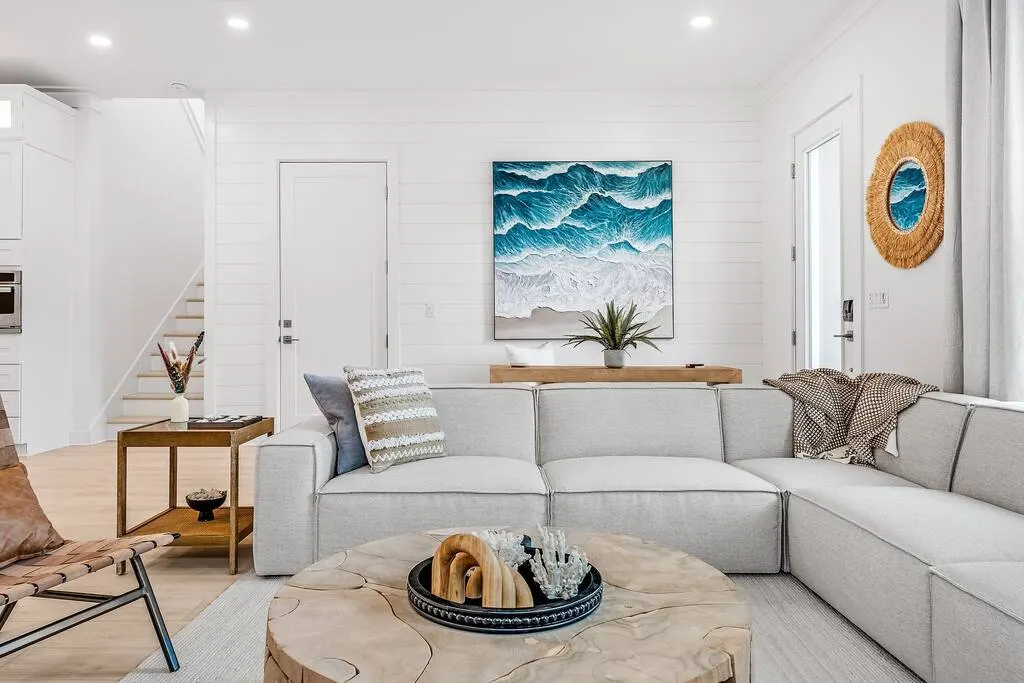
Airbnb uses a guest's destination, dates, party size, and selected filters to shape search results. Availability, trip length, price, location, listing quality, popularity, and ease of booking also influence which listings appear.
Airbnb's explanation of how search results work states that more available dates and flexible stay rules can help a listing match more searches. Each setting still needs to fit cleaning capacity, local requirements, owner use, maintenance, and the kind of stays the property can support.
Calendar Rule Review
- Availability window: Identify how far ahead guests can reserve and whether future nights open automatically.
- Minimum stay: Review whether the rule blocks shorter gaps or common local trip lengths.
- Arrival rules: Record unavailable check-in or checkout days and their effect on surrounding nights.
- Advance notice: Match same-day or short-notice booking options to the operating team's real preparation time.
- Preparation time: Reserve only the turnover time required to clean, inspect, restock, and repair the home.
- Calendar connection: Resolve imported blocks, disconnected software, duplicate listings, and stale owner holds.
Airbnb Pricing Review
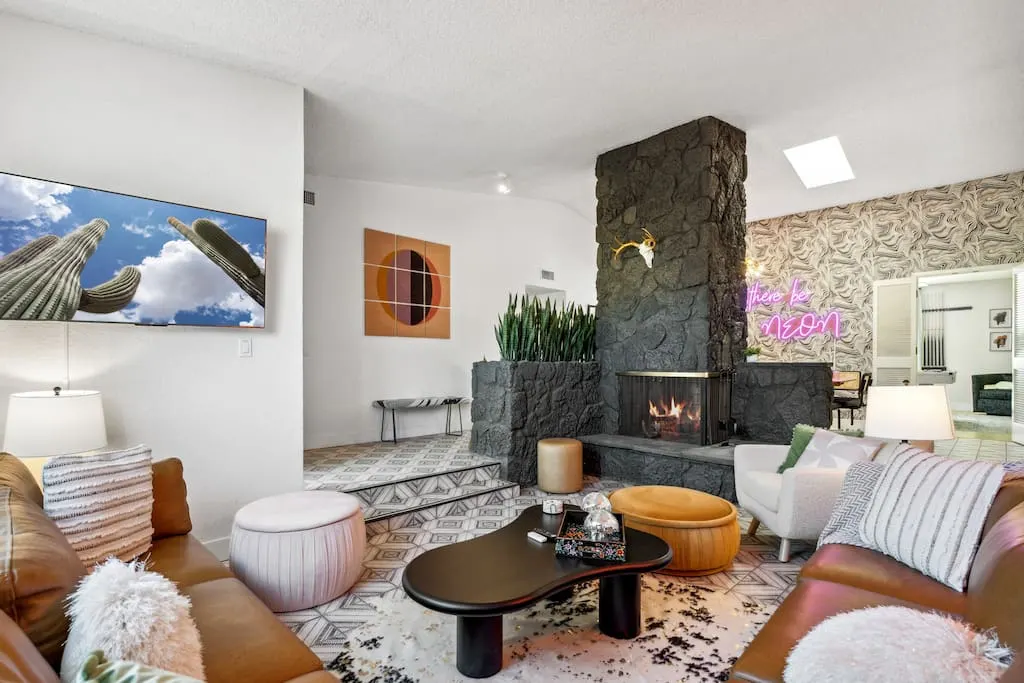
Compare the guest's total price for the exact dates and party size, including fees and discounts. The complete offer combines the nightly charges, fees, discounts, and booking terms. Use comparable properties with similar location, capacity, room count, privacy, amenities, and condition, then account for the home's own operating costs and booking goals.
Airbnb's overview of host pricing tools describes base, custom, weekend, early-booking, last-minute, weekly, monthly, and promotional settings. Review which rule controls each open night before changing prices. Custom settings or connected pricing software may produce a different result from the base price.
Price Decision Record
Record the prior price, new price, applicable dates, reason, minimum acceptable result, and review date for every change. Keep event dates, ordinary weekdays, weekends, short gaps, and extended open periods in separate groups. This makes later comparisons possible without assigning every reservation change to one price adjustment.
Airbnb Listing Review
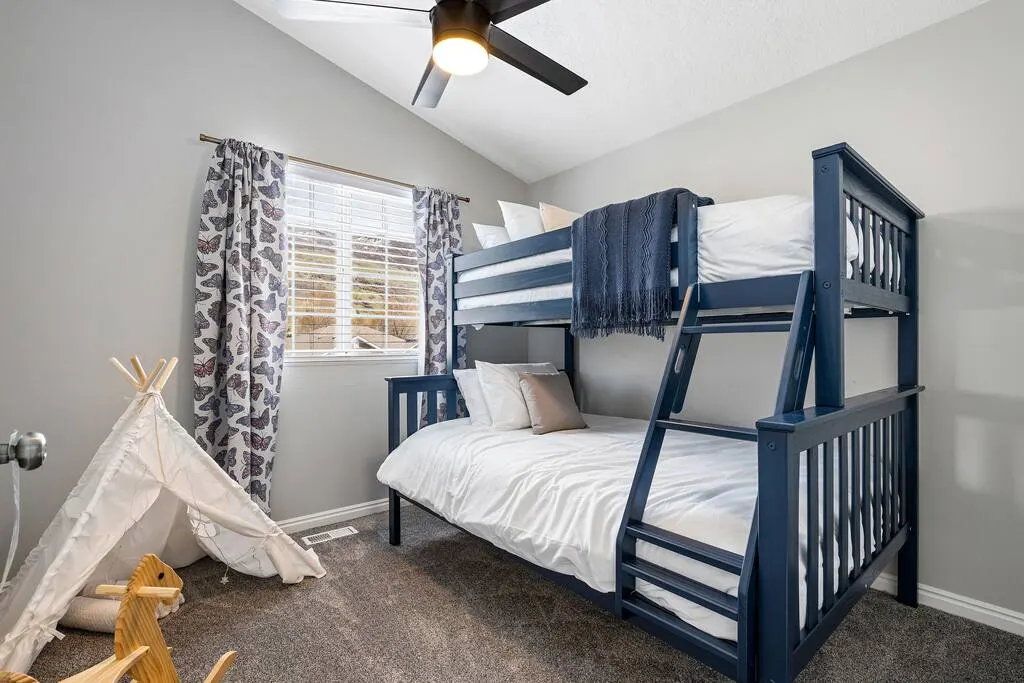
The listing should give guests enough information to decide whether the property fits their stay. Verify the title, description, property type, room and bed counts, guest capacity, bathrooms, privacy, amenities, access, parking, outdoor areas, safety information, house rules, and neighborhood conditions against the current property.
Photo and Description Alignment
Arrange the photo set in a clear path through the home. The opening images should identify the strongest real feature, main shared space, primary sleeping arrangement, kitchen or dining area, and a distinctive amenity. Continue with complete coverage of every bedroom, bathroom, guest-accessible area, exterior, parking arrangement, and material limitation.
Use captions to explain facts the image cannot establish, including floor location, bed size, shared access, stairs, seasonal availability, or dining capacity. Update the listing after furniture replacements, room conversions, amenity changes, renovations, storm damage, or new access restrictions.

Airbnb Property Readiness
Evaluate design changes against a specific guest need or listing gap. A larger dining table is useful when the installed seating does not support the stated capacity. Bedside lighting, luggage surfaces, blackout coverage, charging access, and storage clarify bedroom function. Outdoor seating, game equipment, or a workspace needs enough clearance, power, maintenance access, and operating instructions.
Property Change Priorities
- Repair safety, access, utility, appliance, plumbing, electrical, and weather-protection problems.
- Complete the installed sleep, seating, dining, bathroom, storage, lighting, and charging plan for the stated capacity.
- Replace damaged, unstable, difficult-to-clean, unavailable, or misleading products shown in the listing.
- Finish one distinctive amenity only when the property can install, maintain, photograph, and describe it accurately.
- Photograph the completed property and update every affected listing field before reopening dates.
Airbnb's ground rules for home hosts require the location, property type, privacy level, description, photos, and amenities to represent the experience provided from check-in through checkout. Accuracy protects the vacancy review from relying on an offer the property cannot consistently deliver.

Airbnb Vacancy Action Plan
Change one defined group of variables at a time and keep a dated record. Calendar corrections can be reviewed immediately for search eligibility. Pricing, listing copy, photography, or physical property changes need their own start date and affected nights. Preserve the original record so later analysis can compare the same weekdays, booking windows, and property condition.
Bottom Line
Diagnose Airbnb vacancy in order: separate genuinely bookable nights from blocked dates, resolve stay-rule conflicts, compare the total guest price, and align the listing with the current property. This sequence identifies which open dates guests can actually reserve and which parts of the offer need attention.
Assign each pricing, listing, photography, or property change a defined set of nights, an effective date, and a review date. Compare matching weekdays and booking windows so the next decision follows the property's recorded results. Furnishing changes should address a specific guest need and appear accurately in the updated listing.